App Simulation
Creating Materials In LEaP
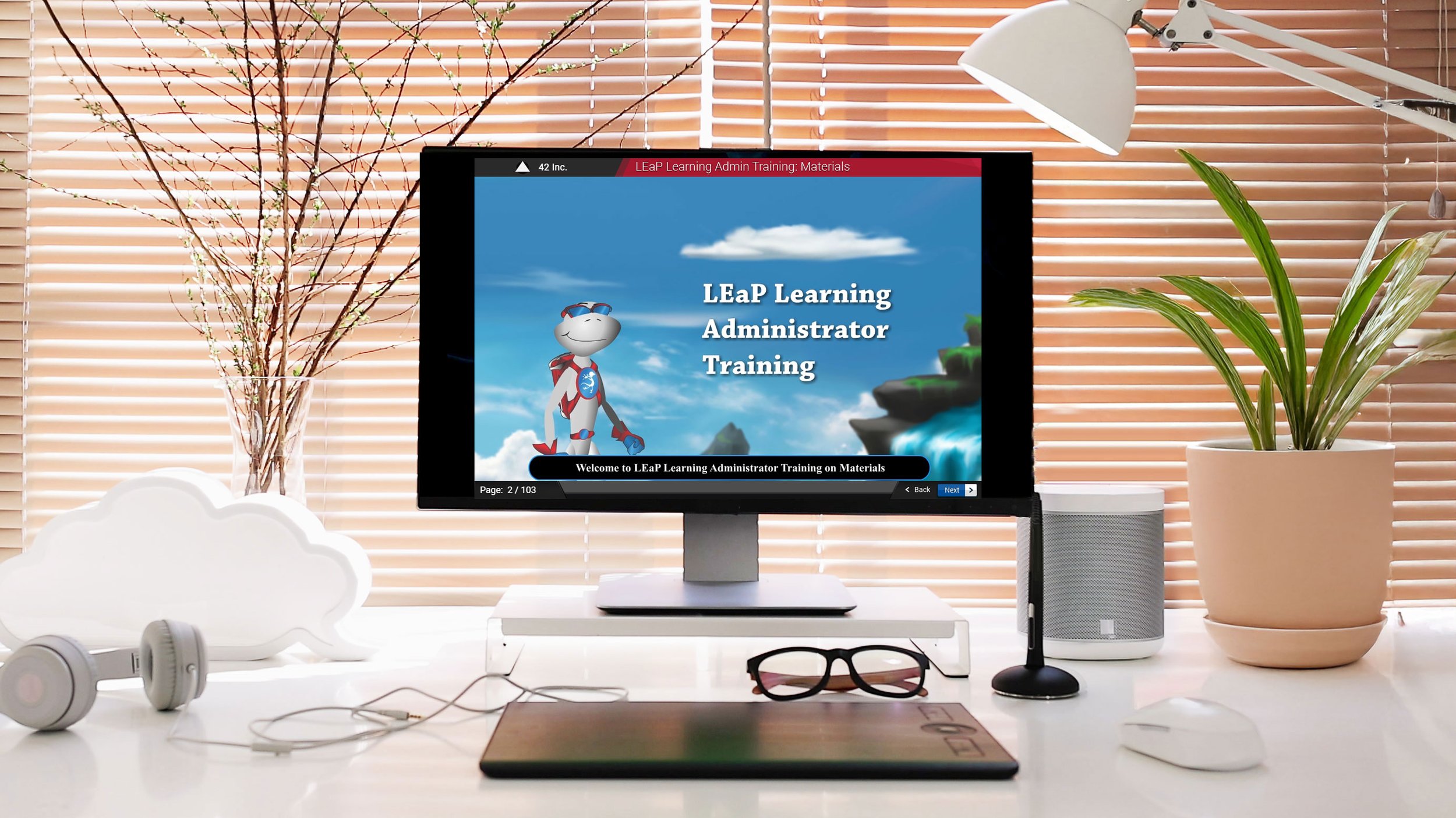
In this project, I was asked to create simulations on how to perform certain functions in an application called LEaP, ARUP’s LMS. This course is one of many courses built to facilitate training on LEaP.
The Problem
LEaP is a very robust LMS with so many functions. LEaP Admins were being trained on the basics once they were given access to LEaP, but it was hard for them to remember what they had been taught. Also, some features took many steps to perform and were the hardest to remember.
The Solution
In our analysis, the root problem was that LEaP admins needed available training when they were going to use it to perform a task in LEaP. We determined that our end was to create resources to fulfill this need. To accomplish this we develop two things:
eLearning Courses — These courses would walk them through the basics of how to use the main features in LEaP.
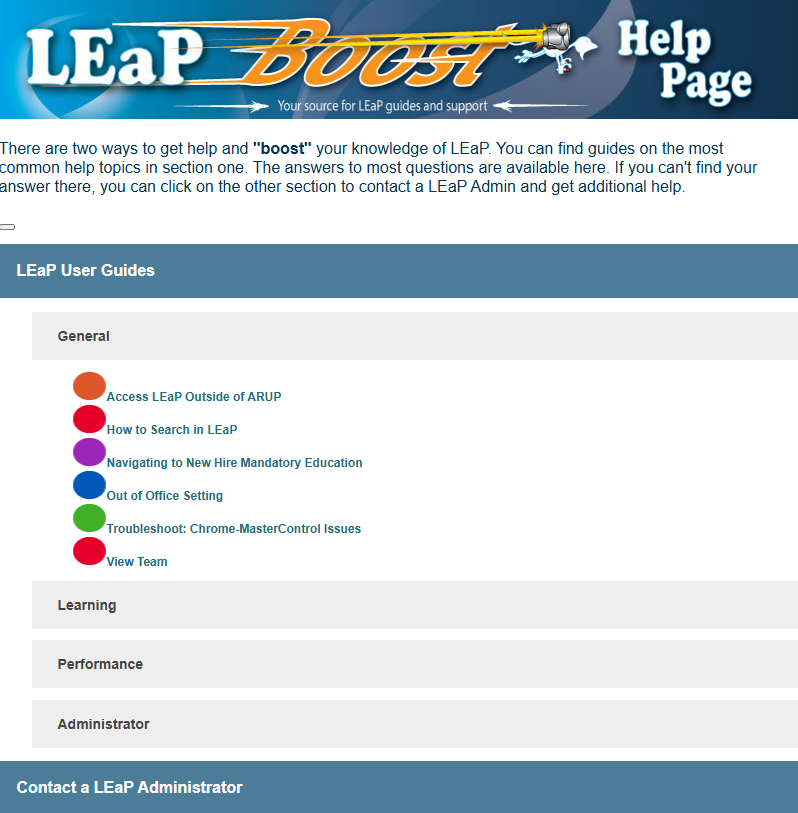
LEaP Boost Website — We decided to create a “Just-in-time” training repository. This was built as a website called “LEaP Boost”. This site was separated into main headings with subheadings that housed LEaP Boost Guides that would “boost” their knowledge of how to use LEaP. We designed the site into categories to allow LEaP users to find the information as quickly as possible and avoid becoming overwhelmed with an endless list of topics.
To further help organize the content, I added an accordion feature to the site that would cause the guide lists to expand and contract, limiting the amount of information on the site at a given time.
Simulation: Key Features
Custom LEaP Mentor - I had the pleasure of helping name our LMS as well as designing the logo. I designed a lizard into the logo. When I would design other things having to do with LEaP, I continued using that lizard in the designs. So as I started designing these LEaP trainings, I ended up designing a lizard as the pedagogical coach that would talk to you and walk you through the courses.
The Lizard Design - I put the LEaP lizard into all of the LEaP courses to differentiate these courses from other courses, make them memorable, and using agents increases engagement by 24 to 48 percent.
Just-in-time Training - These eLearning courses were available anytime users needed a refresher. They could access and follow along as they performed the task in another window. They also had the option to pull up the LEaP Boost Guide and go through their tasks that way.